From terminal in the box to rewards in pocket — the full KatronAi flow.
See exactly how KatronAi works for merchants and customers — from terminal setup to automatic rewards issuance to gift card revenue. Simple. Fast. Terminal-first.
9 steps. One platform. One terminal.
Every KatronAi merchant follows the same playbook — download the app, get your terminal, build your profile, launch offers, and turn on gift cards. Most merchants are live the same day.

Install KatronAi Merchant App on iOS or Android. Create your business profile — legal name, address, category, contact info, and basic verification.

KatronAi is terminal-first. You receive a branded KatronAi credit card terminal — it does not plug into your existing POS. It is your dedicated payments and rewards device.
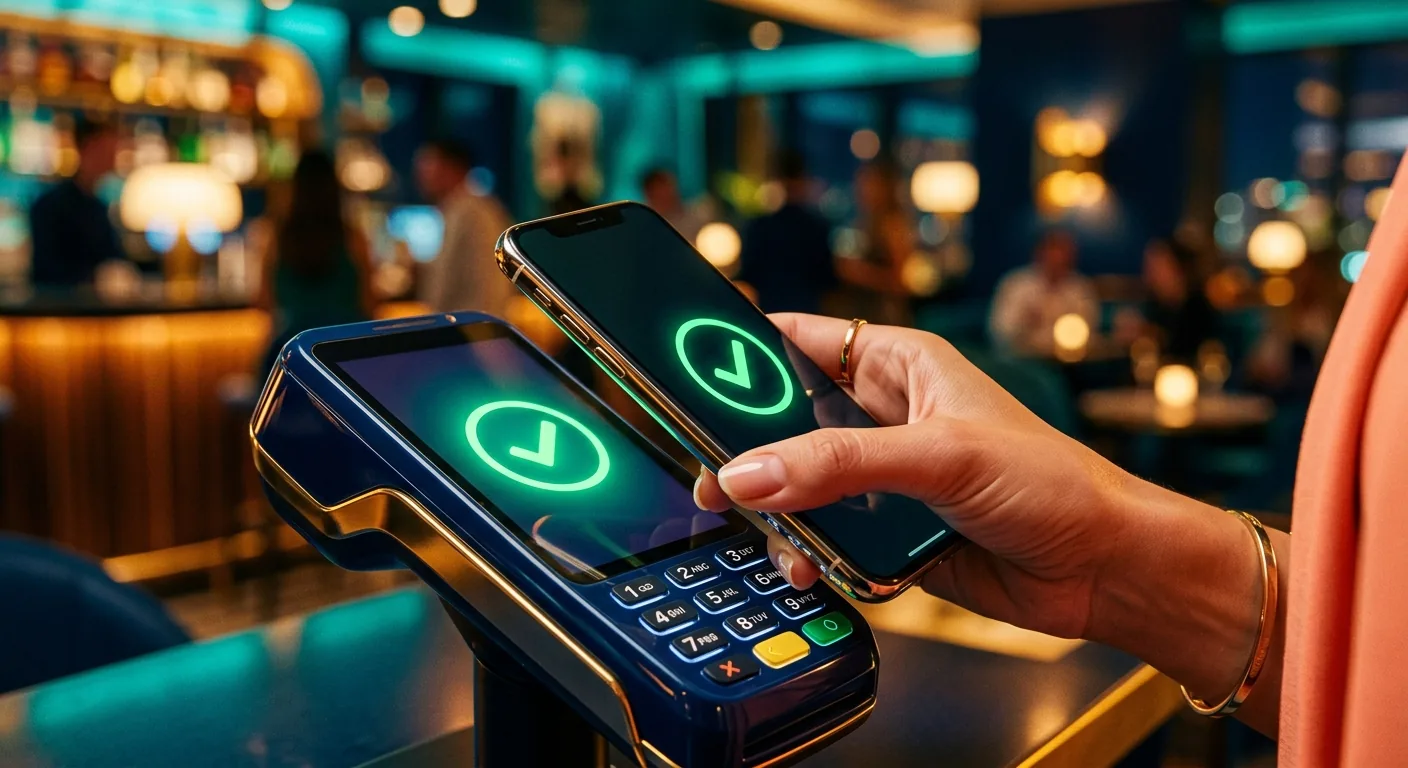
Open the merchant app, pair your terminal, and run a test transaction. Once confirmed live, your terminal is reward-ready. The whole setup takes minutes.
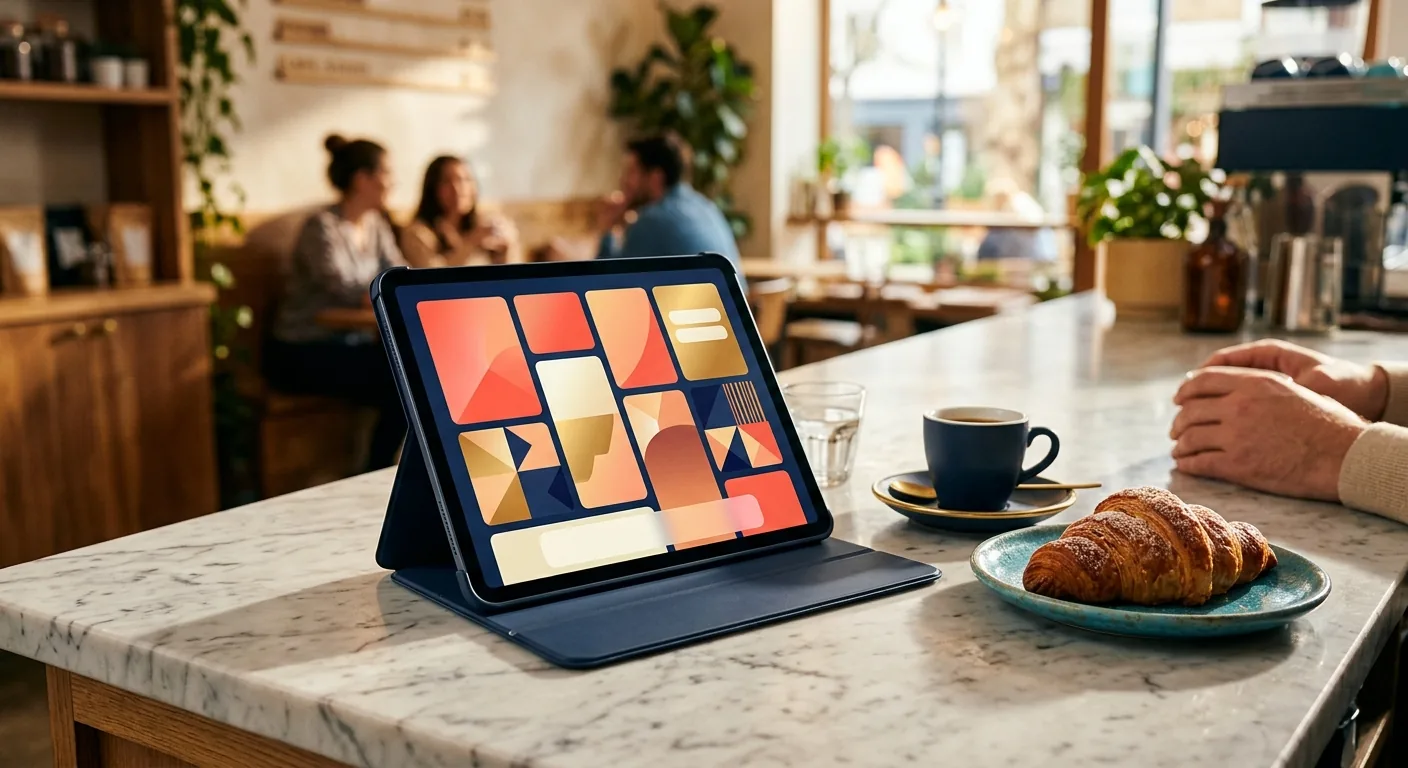
Create your public listing — business name, logo, cover photo, hours, location, category tags, short description, and storefront photos. This is how customers discover you in the KatronAi app.

List your top sellers, menu highlights, or services. Add descriptions and images. Mark items as featured to appear first in the marketplace. A full catalog is optional — rewards and gift cards work even without one.

Set up offers like "$5 off $25+" or "10% off your next visit." Define minimum spend rules, time windows, and eligible items. Offers appear on your marketplace page and are redeemable with KTN-R rewards.

When a customer pays on your KatronAi terminal, 1 KTN-R rewards token is issued per $1 spent — automatically, with no loyalty card, no manual entry, no extra step for you or the customer.
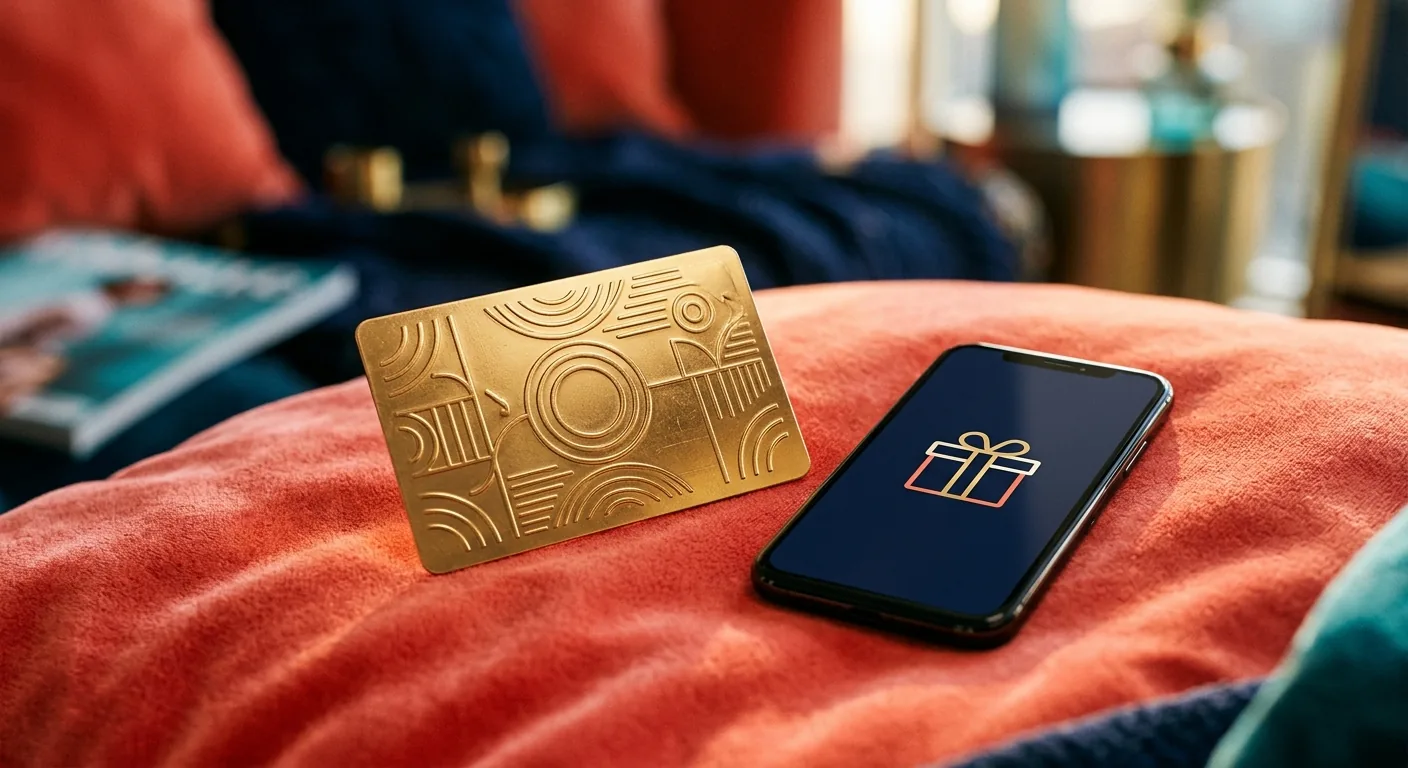
Enable digital gift cards from the merchant app. Customers can buy them inside the KatronAi user app or at katronai.com instantly. Gift cards generate upfront cash flow and bring in new customers — especially powerful for holidays and promotions.

Monitor transaction activity, rewards issued and redeemed, gift card sales, and customer return behavior — all in one simple merchant dashboard. See what's working and adjust your offers in real time.
Every transaction strengthens the loop.
Merchant goes live with KatronAi terminal
Merchant builds profile + offers + gift cards
Users discover merchant in the app
Users pay at terminal
KTN-R rewards issued automatically
Users redeem rewards — return for more
Gift cards drive new customers + upfront revenue
The loop compounds. More merchants = more discovery. More rewards = more return visits. More gift cards = more new customers. Every transaction makes the ecosystem stronger.
Built into the payment. Not bolted on after.
KatronAi runs on its own terminal. No IT setup, no compatibility issues, no waiting for third-party approvals.
Get reward-ready quickly once your terminal is deployed. Most merchants are live within the same day.
Rewards and offers bring customers back automatically — no manual campaigns, no email lists, no extra work.
Customers pay before they visit. Especially powerful around holidays, events, and promotions.
Every KatronAi merchant gets a public listing inside the user app — built-in discovery at no extra cost.
- POS integration project
- Separate loyalty app + card printing
- Marketing platform for campaigns
- Manual campaign management
- Multiple bills, multiple support lines
- Branded terminal — no integration project
- Rewards & gift cards built in
- Marketplace discovery included
- Automatic — no campaigns to manage
- One bill, one accountable provider
Download the KatronAi App.
Available on iOS and Android for merchants and consumers — built to run the checkout and the rewards loop natively from a phone.